Documents on the project page
Upload a file to a project and it appears in its documents tab. The location permit for the café shoot is on the café shoot, not in a shared drive folder named Final v3.
Notes that outlive the meeting
The notes tab keeps the decisions: the client approved the second cut, the director wants the 35 mm for the interviews, the café closes at noon. New team members read the notes and are up to date.
The overview as a one-page brief
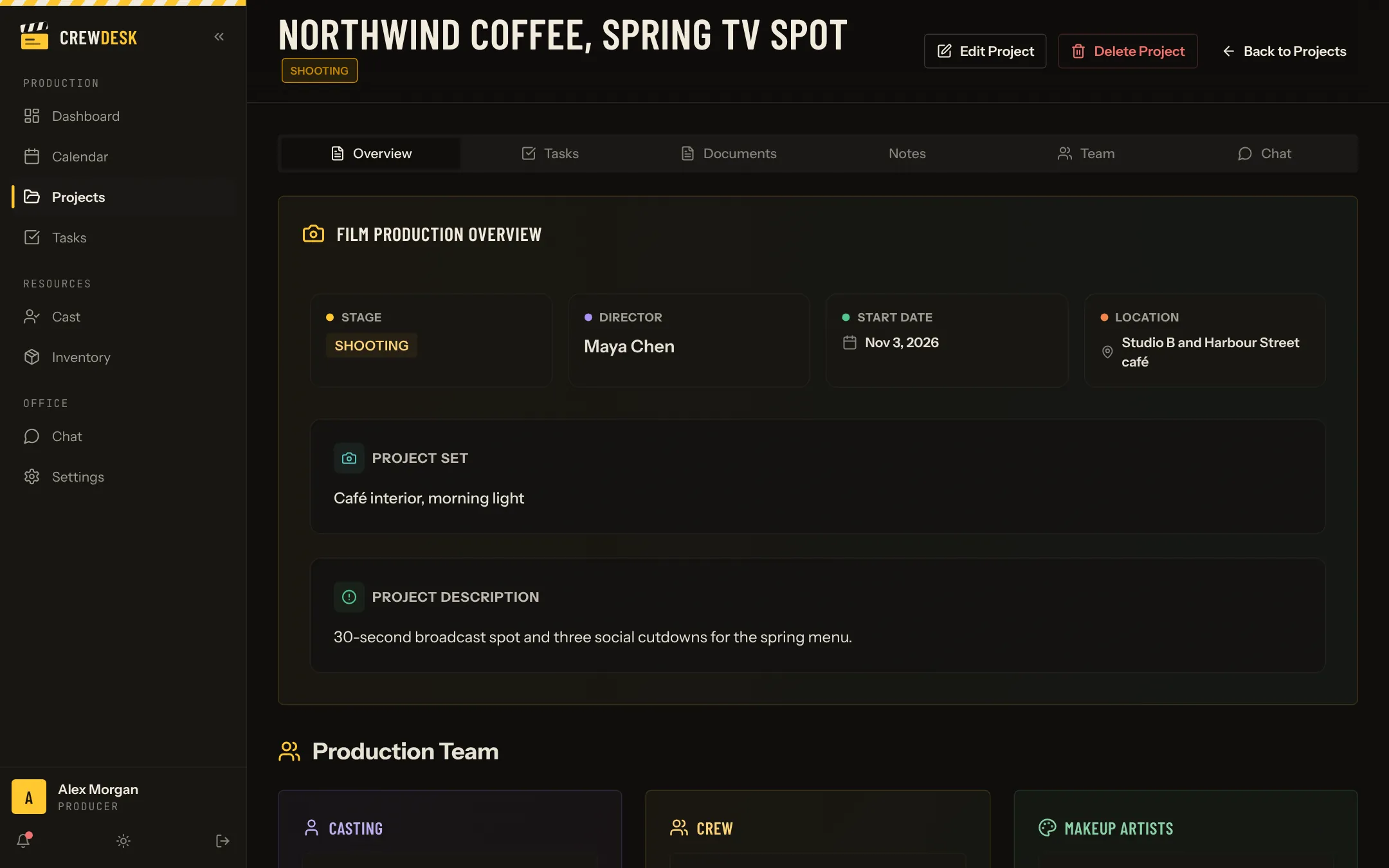
The first tab of a project sums it up: stage, director, start date, location, set and description, followed by the production team. It is the page you open at the start of a call with the client.
What belongs on a production's page
- The brief and the contract summary.
- The script, the storyboard and the shot list.
- The schedule and each day's call sheet.
- Permits, insurance certificates and signed releases.
- Technical specifications and the list of deliverables.
Large media files, such as camera originals and edits, stay on your storage and review platforms. Put their links in the notes.
Naming files so the right one is opened
Add the date or a revision letter to the name, and remove the old version when it is replaced. The most expensive document on a production is the outdated call sheet that someone opened by mistake.