Four roles to start
- Producer. Sees and manages everything.
- Coordinator. Runs projects, tasks and people day to day.
- Production assistant. Works on tasks and logistics.
- Crew. Sees what they are assigned to.
Permissions per section
For each role, you choose what it can read and what it can change in each part of the app: projects, tasks, cast, inventory, chat and settings. The menu only shows what a person is allowed to open.
Manage users in one place
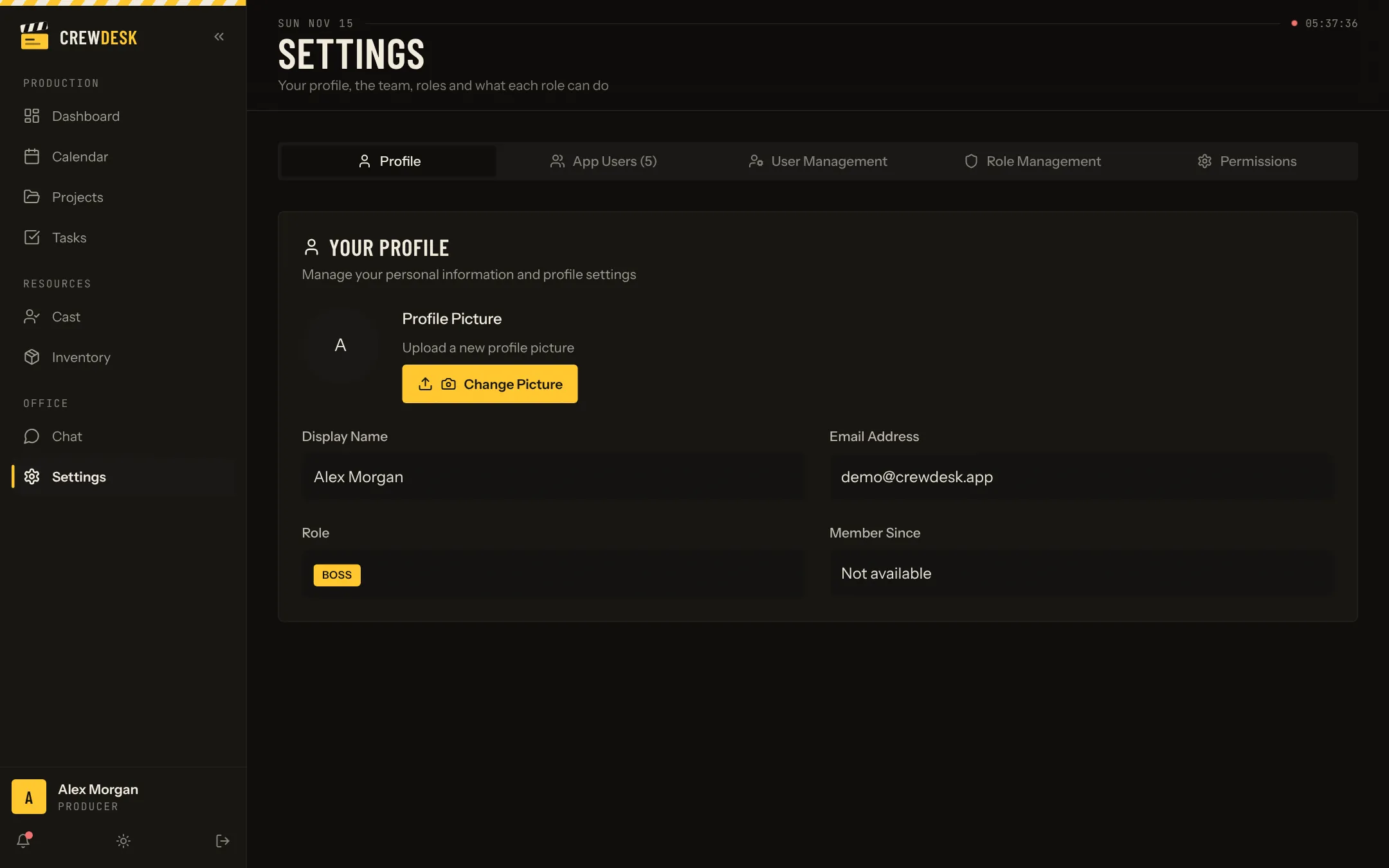
Settings list every user with their role. Changing a role takes one click, and it applies at once.
Choosing roles for a typical team
| Person | Suggested role | Why |
|---|---|---|
| Owner, executive producer | Producer | Sees everything and manages users and settings |
| Line producer, production manager | Producer or Coordinator | Depends on whether they manage the company's setup |
| Production coordinator | Coordinator | Runs productions, tasks, calendar, cast and inventory |
| Production assistant, intern | Production assistant | Works on assigned tasks |
| Freelance crew, day players | Crew | Sees their own productions and tasks |
Access is part of respect
Rates, client budgets, performers' phone numbers and measurements are not everyone's business. Roles make the right behaviour the default: a day player does not have to be told not to look, because the page is not there.